



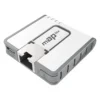
MikroTik mAP lite (RBmAPL-2nD) – Compact Wireless Access Point and Travel Router
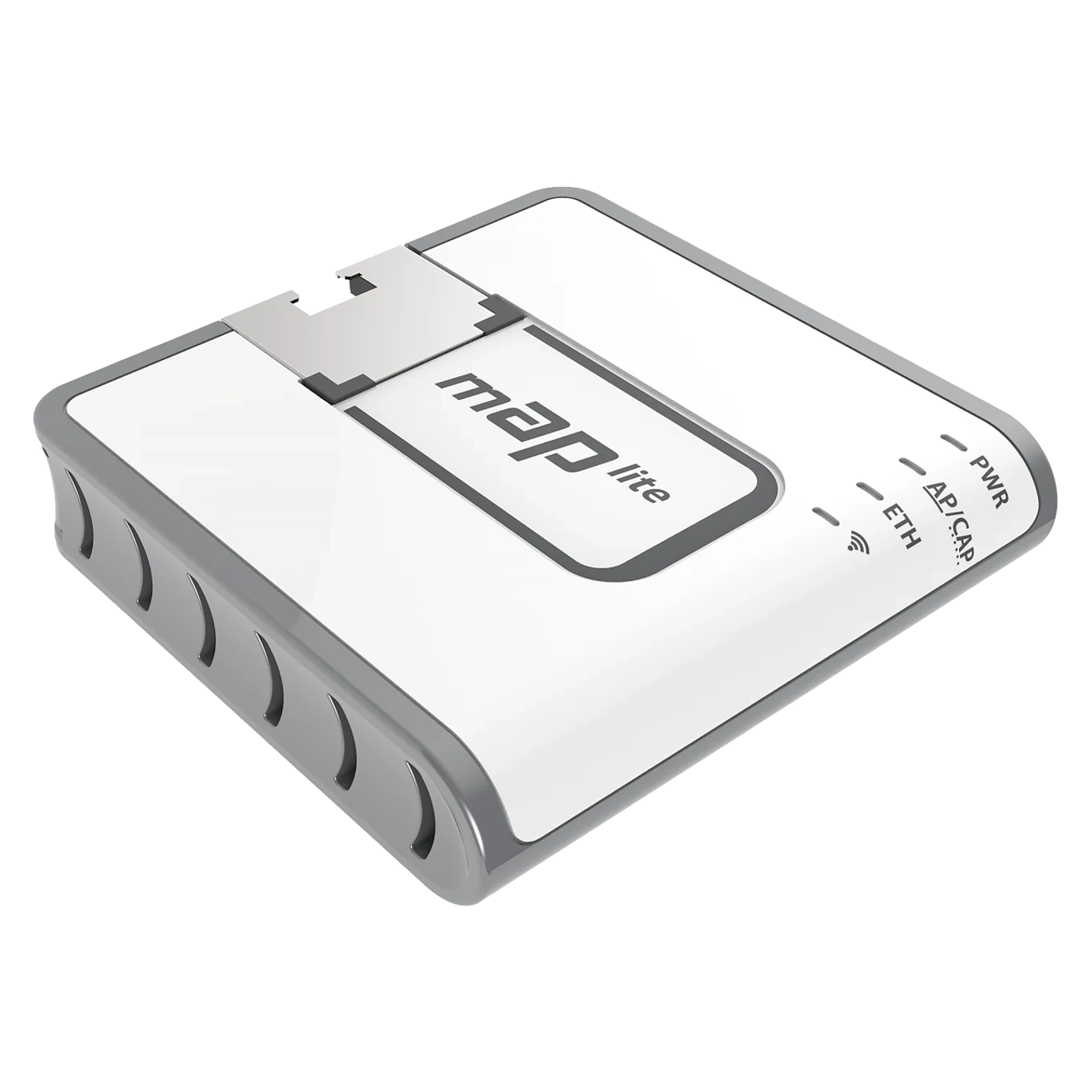
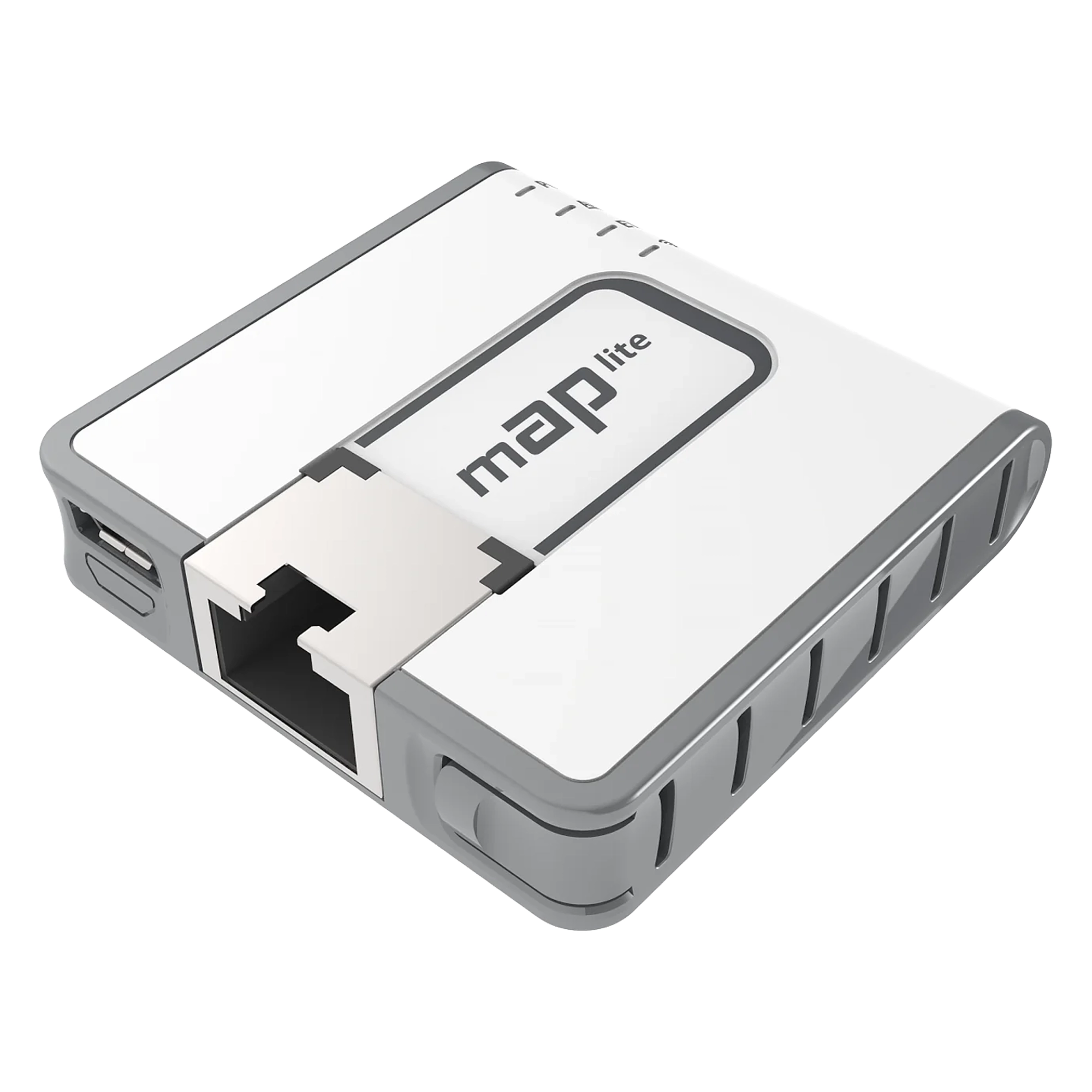
The MikroTik mAP lite (RBmAPL-2nD) is an ultra-compact wireless access point designed for users who need reliable connectivity in a small, portable form factor. Its lightweight design makes it suitable for travel, temporary network setups, small offices, and locations where space is limited. Despite its small size, this device offers useful networking capabilities powered by MikroTik RouterOS.
Operating on the 2.4 GHz wireless band, the mAP lite supports 802.11b/g/n Wi-Fi connectivity. It can function as a wireless access point, a client device, or a compact router, depending on the network configuration. This flexibility makes it a practical option for connecting wireless devices, extending network access, or creating a convenient portable networking solution.
Compact Design for Everyday Networking
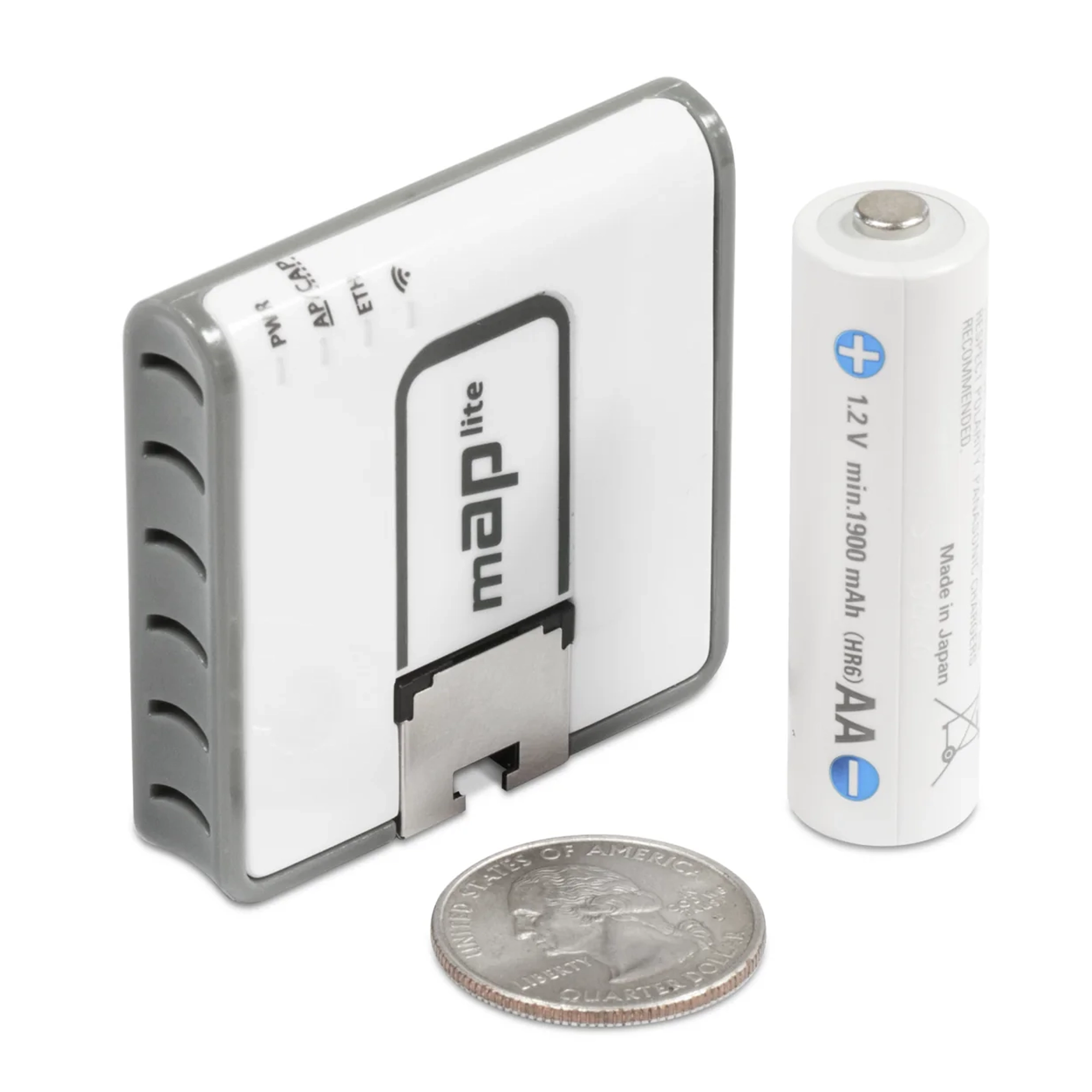
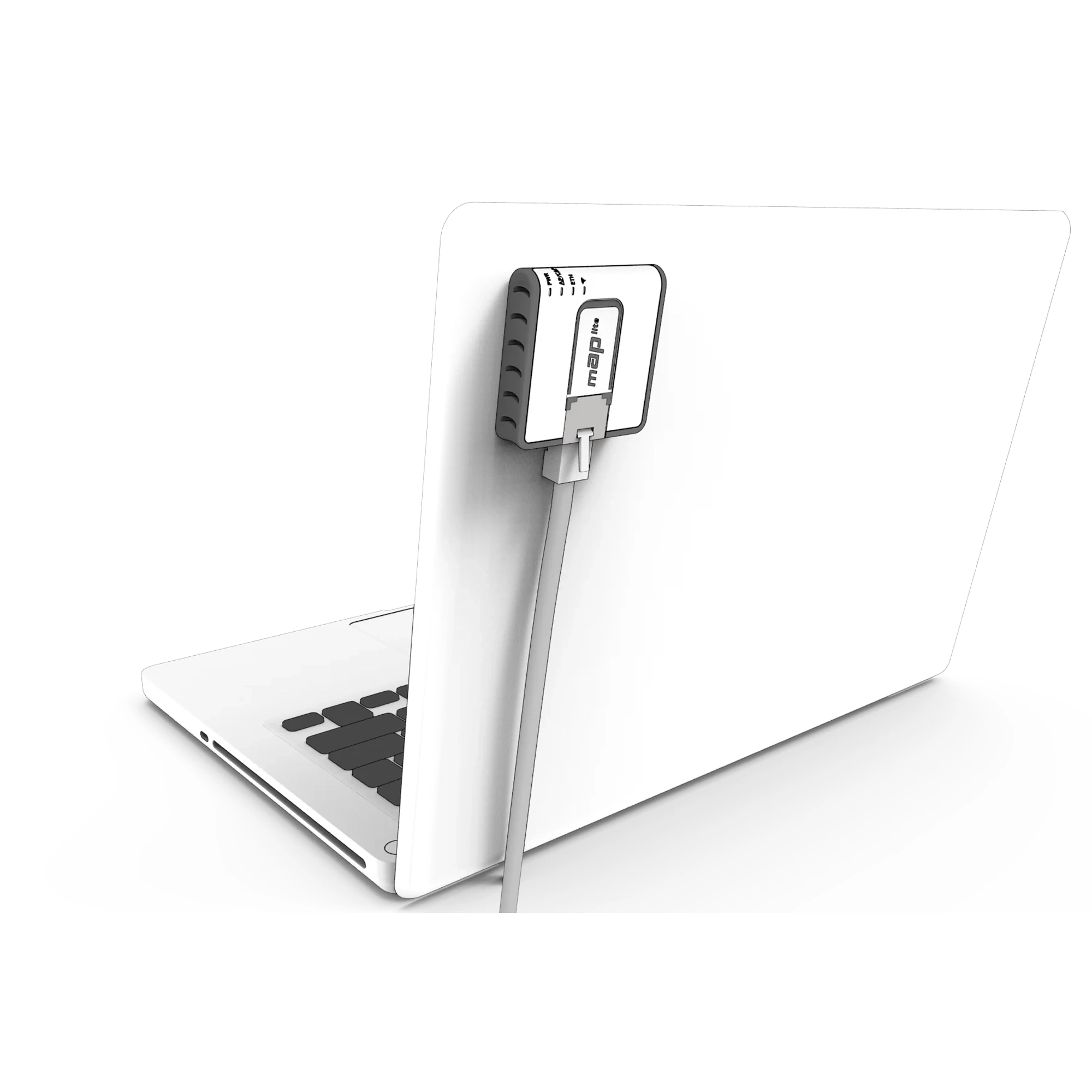
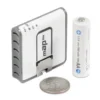
One of the key advantages of the MikroTik mAP lite is its exceptionally small and lightweight design. It can easily fit into a pocket, laptop bag, or travel kit, making it convenient for professionals who frequently move between offices, workspaces, or remote locations.
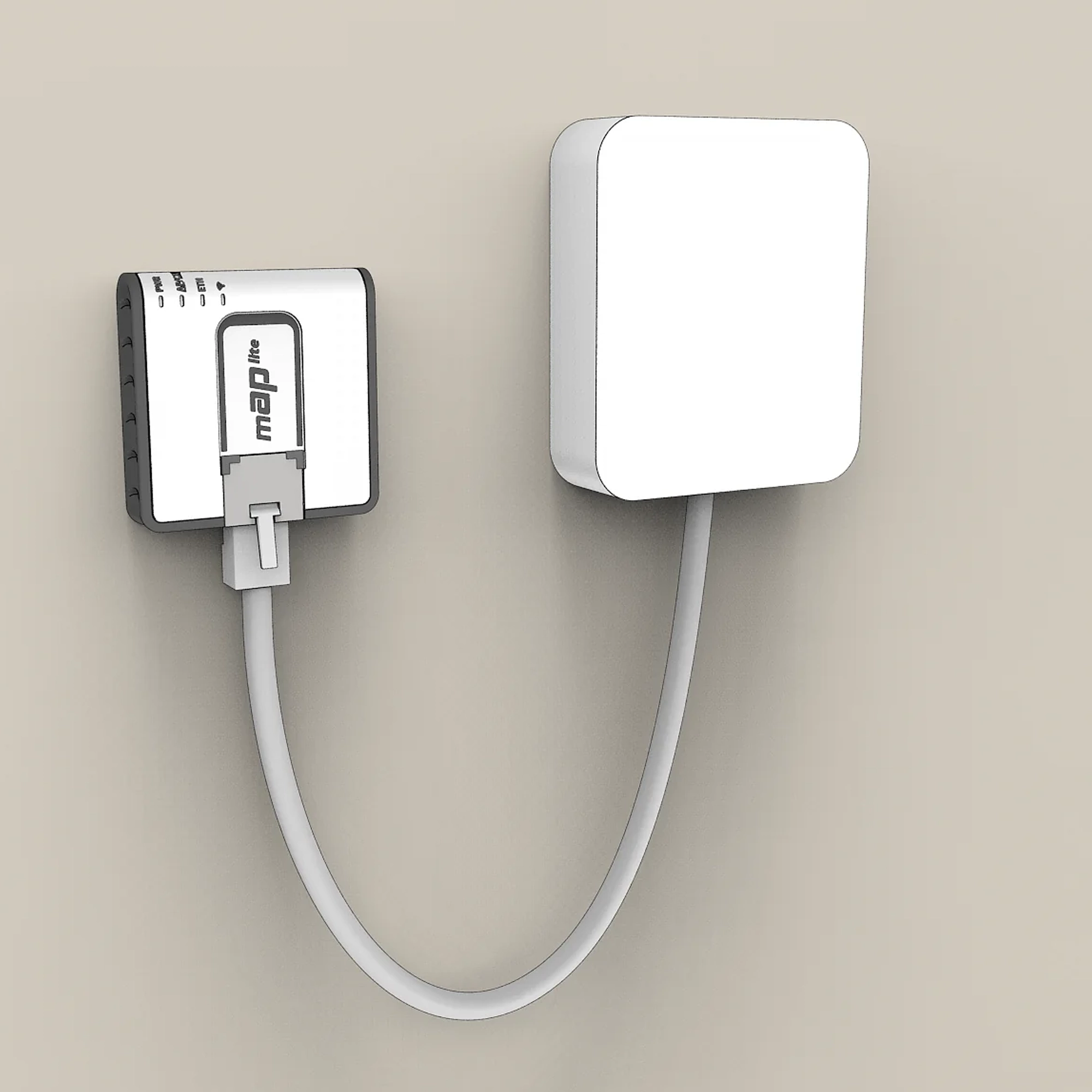
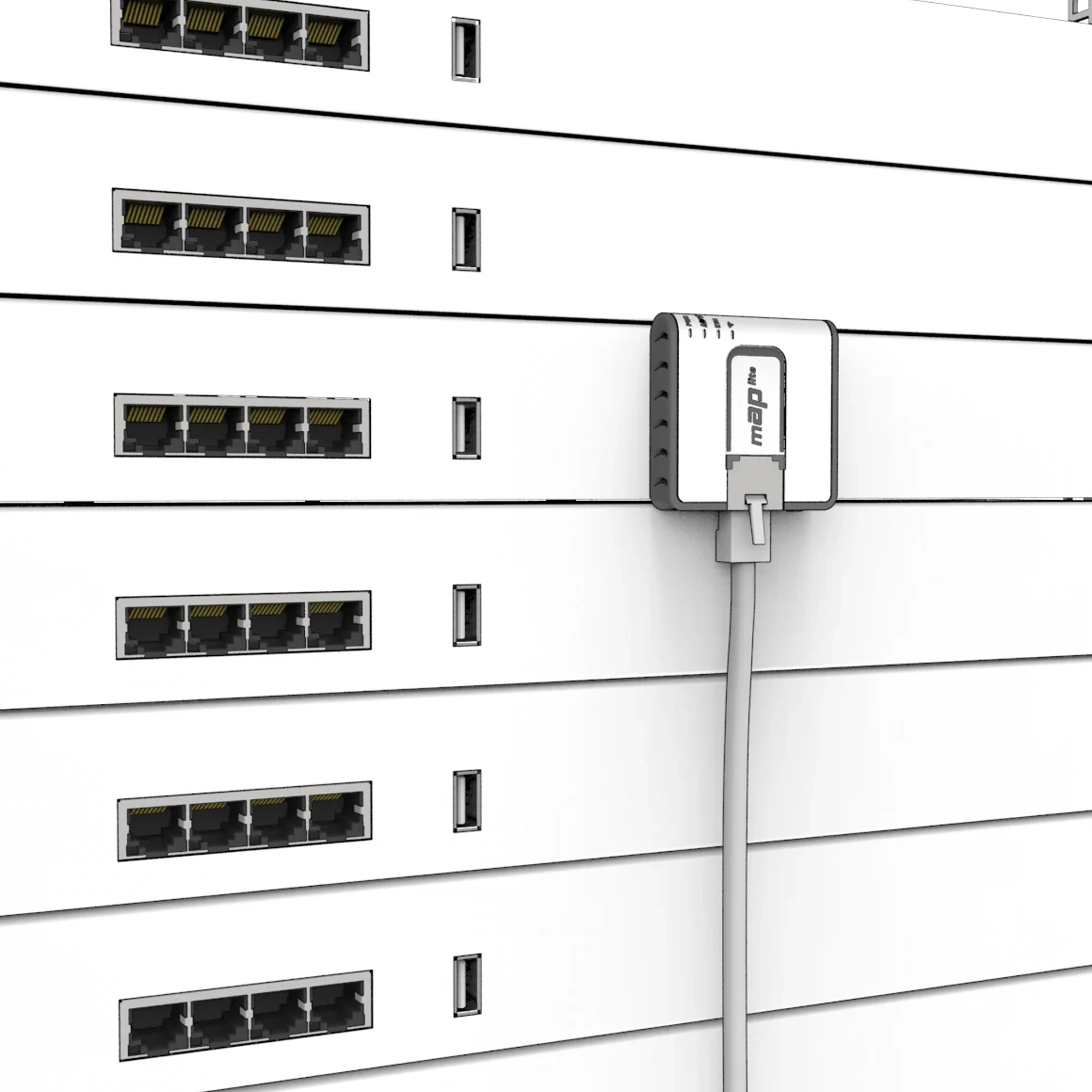
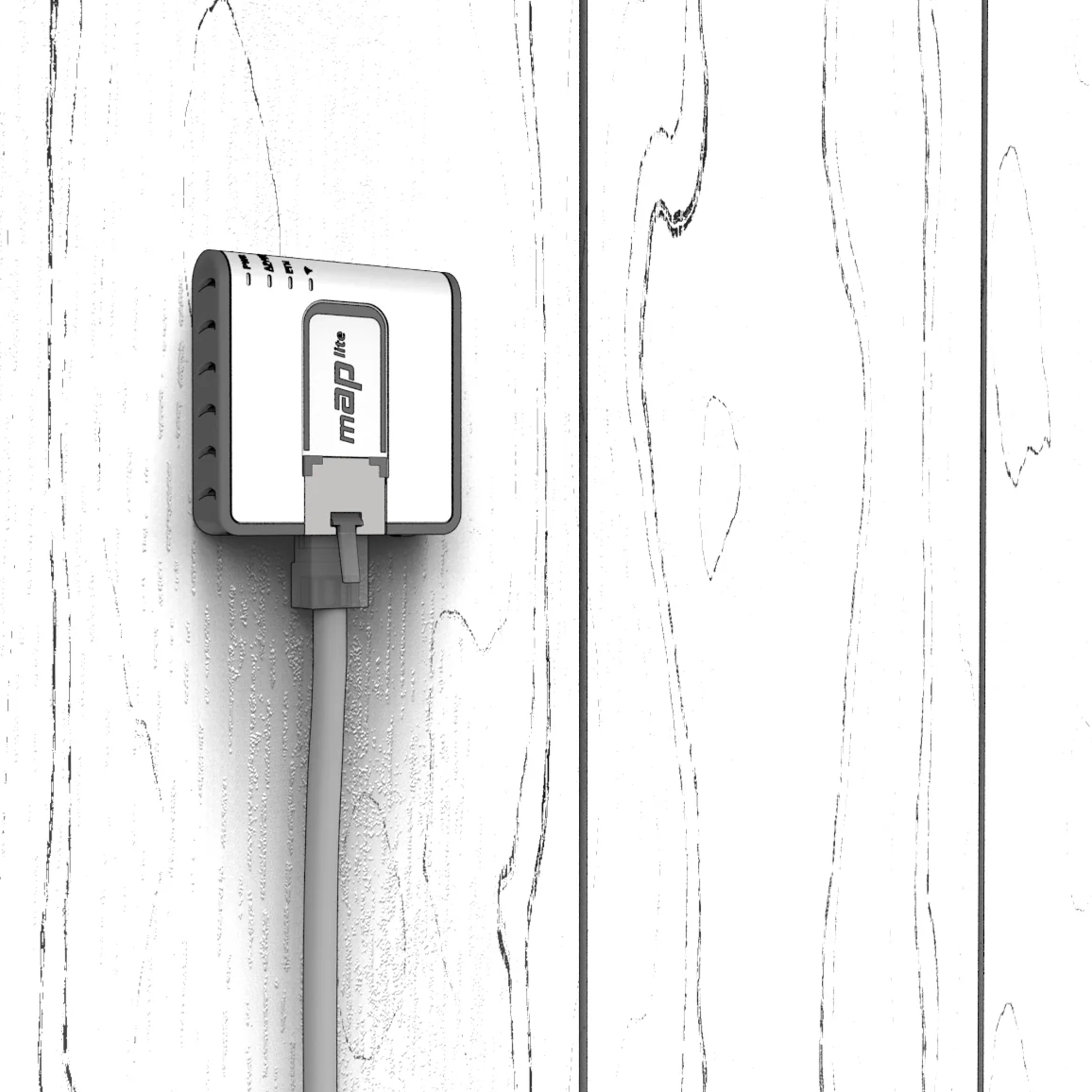
Its compact form factor also makes installation simple in environments where larger networking equipment may be impractical. Whether used on a desk, in a small workspace, or as part of a temporary network arrangement, the mAP lite provides essential wireless connectivity without occupying much space.
2.4 GHz Wireless Connectivity
The MikroTik mAP lite operates on the 2.4 GHz frequency band and supports IEEE 802.11b/g/n wireless standards. This allows it to connect with a wide range of compatible wireless devices, including laptops, smartphones, tablets, and other network-enabled equipment.
The 2.4 GHz band is commonly used for everyday wireless networking and offers broad compatibility with older and newer Wi-Fi devices. With a wireless data rate of up to 300 Mbps under supported conditions, the mAP lite is suitable for basic browsing, email, lightweight office applications, and other routine network activities.
Actual wireless performance depends on factors such as signal strength, interference, connected devices, and network configuration.
MikroTik RouterOS for Flexible Configuration
The mAP lite runs MikroTik RouterOS, providing access to a range of network management and configuration features. Users can configure the device according to their networking requirements rather than relying on a basic plug-and-play wireless setup.
RouterOS supports functions such as wireless access point configuration, routing, bridging, firewall rules, and network management. These capabilities allow administrators to integrate the mAP lite into different network environments.
The device is particularly useful for users who want to learn MikroTik networking or need a compact device for testing and basic network configuration tasks.
Ethernet Port and Power Options
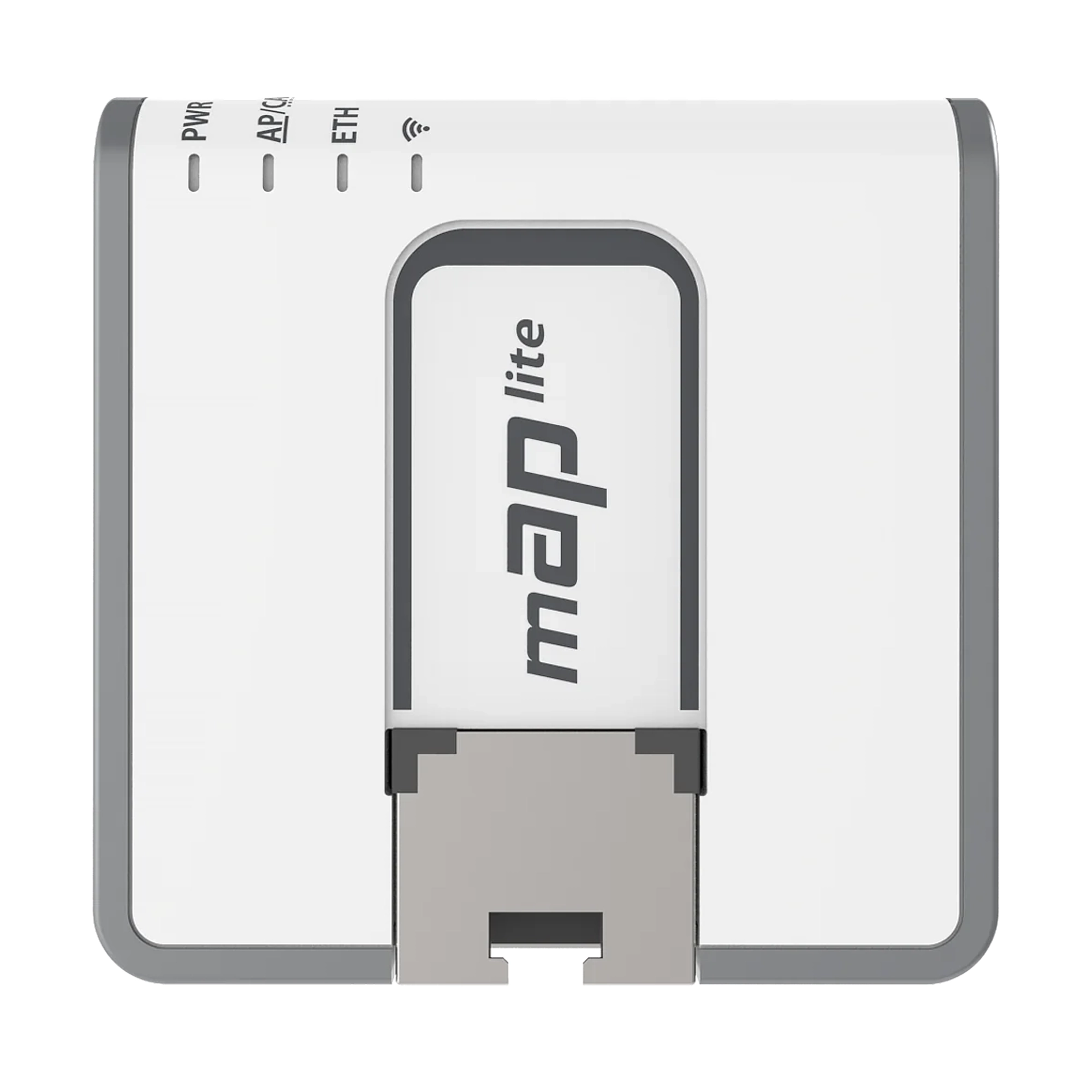
The mAP lite includes a 10/100 Mbps Ethernet port for wired network connections. This port allows the device to connect to a router, switch, or other Ethernet-enabled equipment. It can also be used to provide network access to devices through a configured wireless connection.
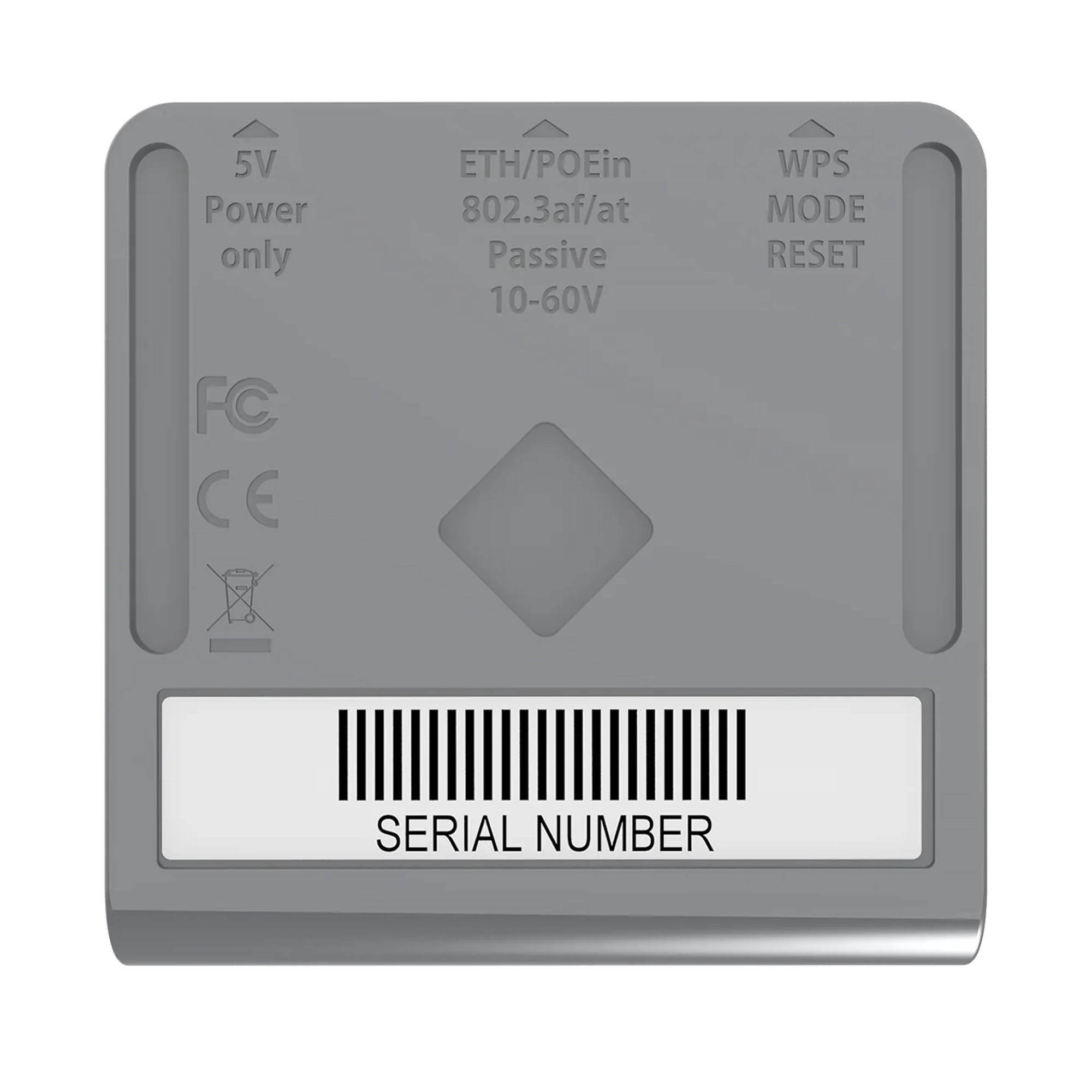
For power, the device supports passive PoE-in and microUSB power, giving users flexibility when planning an installation. This is especially helpful in compact setups where a suitable USB power source or compatible PoE arrangement is already available. Always check power compatibility before connecting the device to a power source.
Multiple Operating Modes
The MikroTik mAP lite can be configured for different networking roles through RouterOS. Depending on the deployment, it can work as:
-
Wireless Access Point: Provides Wi-Fi connectivity to compatible wireless devices.
-
Wireless Client: Connects to an existing wireless network and makes that connection available through its Ethernet interface.
-
Travel Router: Helps create a small personal network when configured with a suitable upstream connection.
-
Network Testing Device: Supports basic wireless and routing configuration tests in MikroTik environments.
These operating options make the mAP lite useful for IT professionals, network technicians, and users who need a small device for flexible connectivity.
Ideal Applications of MikroTik mAP lite
The mAP lite is designed for everyday networking situations where portability and compact dimensions are important. Common applications include:
-
Travel and Remote Work: Carry a small networking device for temporary connectivity arrangements while travelling or working away from the main office.
-
Small Offices: Provide basic wireless access in compact workspaces with suitable network coverage requirements.
-
Temporary Network Setups: Support short-term installations, demonstrations, and testing environments.
-
Network Administration: Help technicians test wireless connections and configure MikroTik RouterOS features.
-
Home Networking: Serve as a compact wireless device for basic connectivity tasks.
It is best suited to light networking requirements rather than demanding environments that need high-speed Gigabit Ethernet, modern Wi-Fi standards, or extensive wireless coverage.
Technical Specifications
| Specification | Details |
|---|---|
| Product Model | RBmAPL-2nD |
| Wireless Standards | 802.11b/g/n |
| Wireless Frequency | 2.4 GHz |
| Maximum Wireless Data Rate | Up to 300 Mbps |
| Ethernet Port | 1 × 10/100 Mbps |
| Operating System | MikroTik RouterOS |
| CPU | 650 MHz |
| RAM | 64 MB |
| Power Options | Passive PoE-in and microUSB |
| Product Type | Compact Wireless Access Point / Router |
Why Choose MikroTik mAP lite (RBmAPL-2nD)?
The MikroTik mAP lite combines portability, flexible configuration, and essential wireless networking features in a compact device. Its support for 2.4 GHz Wi-Fi, Ethernet connectivity, and RouterOS makes it a useful option for basic networking, travel, and technical testing requirements.
For businesses, IT professionals, and home users looking for a small MikroTik networking device, the mAP lite offers a practical solution without requiring bulky hardware. Its multiple operating modes also make it adaptable to different network configurations.


Reviews
There are no reviews yet.